React Error Boundaries: The Complete Guide to Actually Understanding Them (2026)
Stop memorising boilerplate. Learn what Error Boundaries are, how React handles errors, what they catch (and don't), why try...catch isn't enough, and where to place them - with real code examples.

30-Second Key Takeaways
TL;DRQuick digest before you dive deep
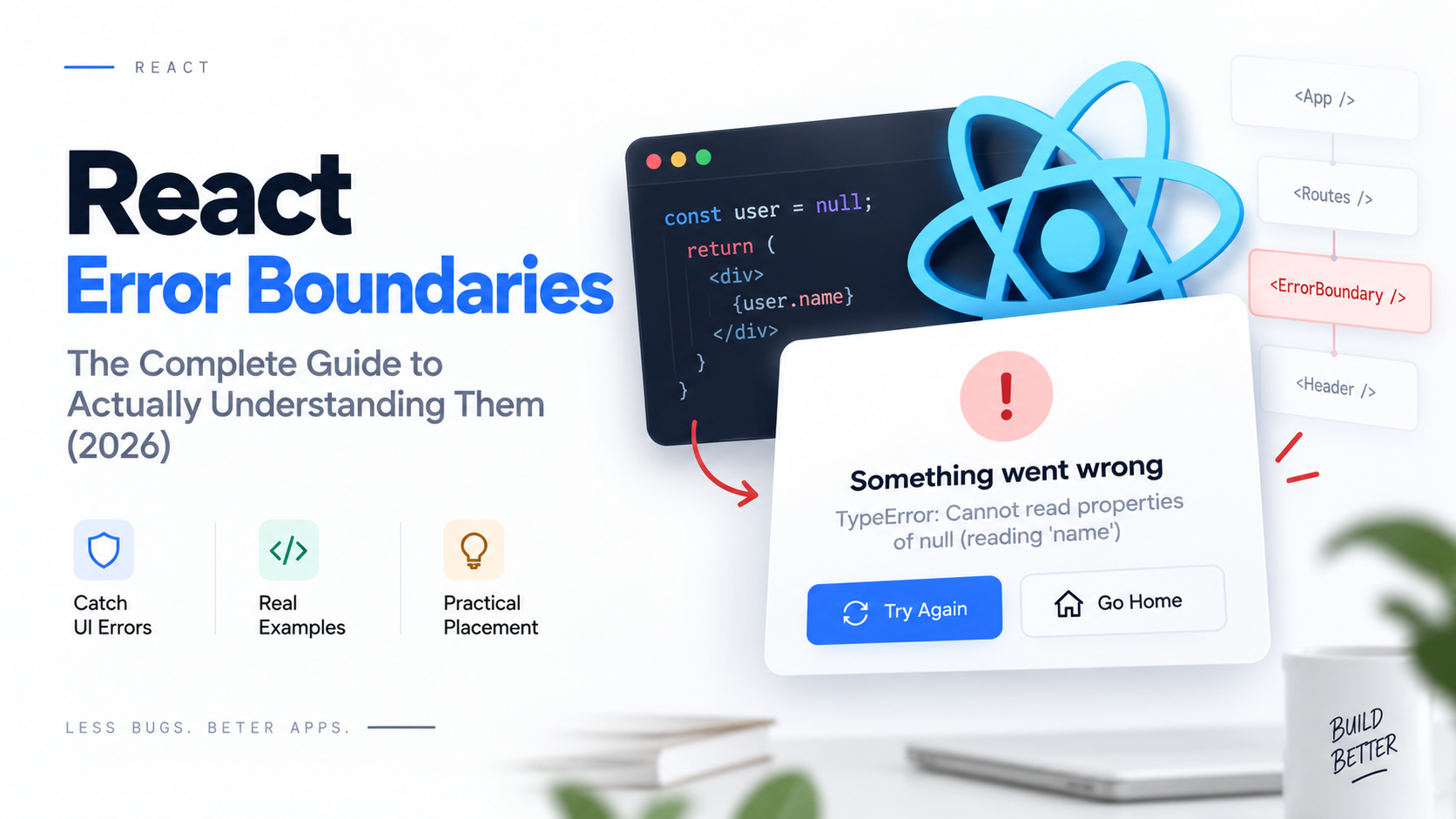
Your React app works perfectly in development. Then a user hits a weird edge-case in production, an uncaught error propagates up the tree, and the entire screen goes blank. No error message. No fallback. Just... nothing.
This is what React does by default when an error escapes the component tree - it unmounts everything. The solution is Error Boundaries, and most developers either memorise the boilerplate without understanding it, or skip it entirely and hope for the best.
The real question
"If JavaScript already has try...catch, why does React need its own error handling mechanism at all?"
By the end of this guide, you'll have a crisp answer to that - and you'll understand every part of the Error Boundary design instead of just copying the class component skeleton.
What you'll master:
- What an Error Boundary is and what problem it actually solves
- How React propagates errors through the component tree
- The two lifecycle methods and exactly what each one does
- What Error Boundaries catch - and the four things they don't
- Why try...catch is fundamentally different from an Error Boundary
- Where to place boundaries for the best user experience
- How to build recovery UI, not just 'Something went wrong'
- Error logging and sending to monitoring services
1. What is an Error Boundary?
Purpose, component-tree boundary, and fallback UI - the three ideas that define it.
An Error Boundary is a React component that acts like a safety net for a section of your UI. When any component inside it throws an error during rendering, React catches that error, prevents it from propagating further up the tree, and renders a fallback UI in place of the crashed subtree.
Purpose
Stop a single broken widget from unmounting your entire application. Contain the damage.
Component-tree boundary
It catches errors only in its children. Like a circuit breaker - it isolates the fault without bringing down the whole system.
Fallback UI
Whatever you want the user to see instead of a blank screen or stack trace. A "Something went wrong" card, a retry button, a redirect.
The mental model
Think of your component tree as a set of nested rooms in a building. Without Error Boundaries, a fire in one room destroys the whole building. With Error Boundaries, you install fire doors - each boundary is a door. The fire stays in its room.
The users in other rooms keep working. The affected room shows a "Room under maintenance" sign (your fallback UI) until you fix the issue.
Important constraint
Error Boundaries must be class components. As of React 19, there is no hook equivalent for the two special lifecycle methods they rely on. We'll cover why - and what alternatives exist - in Section 11.
2. How React Handles Errors
Error propagation, finding the nearest boundary, and what happens after the catch.
Understanding how React propagates errors makes Error Boundaries feel obvious rather than magical. Here's the sequence of events when a component throws during rendering:
What "nearest" means in practice
React checks the direct parent first, then grandparent, then great-grandparent - all the way up. The first ancestor that is an Error Boundary wins. This is why you can nest boundaries: a deeply nested boundary catches errors first, before a top-level boundary even gets a chance.
What happens after an error is caught?
- • The crashed subtree is unmounted from the DOM
- • The Error Boundary's
rendermethod is called again withthis.state.hasError === true - • It renders the fallback UI you defined
- • The rest of the app continues to work normally
- • In development, React re-throws the error so the overlay shows it - this does not happen in production
3. The Two Lifecycle Methods
getDerivedStateFromError and componentDidCatch - what each one does and why they're separate.
1static getDerivedStateFromError(error)
This is the UI recovery method. React calls it during the render phase, right after a child throws. Its job is to return a state update that tells the component to render the fallback. Because it runs during render, it must be pure - no API calls, no logging.
2componentDidCatch(error, info)
This is the side-effects method. React calls it during the commit phase (after the DOM has been updated). This is where you log errors, send them to Sentry, Datadog, etc. It receives both the error and an info object containing componentStack.
getDerivedStateFromError
- • Phase: Render phase
- • Purpose: UI recovery (show fallback)
- • Side effects? Not allowed - must be pure
- • Returns: State object to merge
- • Static? Yes - no access to
this
componentDidCatch
- • Phase: Commit phase
- • Purpose: Side effects (logging)
- • Side effects? Allowed - logs, API calls
- • Returns: Nothing
- • Static? No - has access to
this
Key insight: You can implement just one of these. If you only want to show a fallback, implement getDerivedStateFromError and skipcomponentDidCatch. If you only want to log (and let the error propagate), implement only componentDidCatch. Most production Error Boundaries implement both.
4. Error Boundaries with State
Why hasError state is needed and how it drives conditional rendering.
The whole mechanism relies on a simple idea: an Error Boundary is just a component that renders its children when things are fine, and renders a fallback when hasError is true. State is the bridge between the error event and the re-render.
Initial state
hasError: falseChildren render normally
Error occurs
getDerivedStateFromError()Returns { hasError: true }
Re-render triggered
hasError: trueFallback UI is rendered
Here's a complete, production-ready Error Boundary with state management, a reset button, and usage example:
Why state - not a ref or a variable?
React re-renders a component only when its state or props change. If you stored the error in a plain variable or a ref, setting it wouldn't trigger a re-render, so the fallback would never appear. The state update from getDerivedStateFromError is what schedules the new render that shows the fallback.
5. What Error Boundaries Catch
Three specific categories of errors - all during the React rendering pipeline.
Error Boundaries are specifically designed to catch errors that occur inside the React rendering pipeline. Think of it as everything that happens when React is in charge of calling your code:
Rendering errors
Any error thrown inside a component's render method or JSX evaluation. This is the most common case - a null-reference like accessing data.user.name when data is undefined.
const name = user.profile.name; // user is null -> throwsLifecycle method errors
Errors thrown inside componentDidMount, componentDidUpdate, componentWillUnmount, and getDerivedStateFromProps of child components.
componentDidMount() { throw new Error('mount failed'); }Constructor errors
Errors thrown inside the constructor of any child class component. This is why Error Boundaries themselves can't catch their own errors - they'd need to catch themselves.
constructor(props) { super(props); throw new Error('bad'); }The common thread
All three happen during React's synchronous rendering cycle - when React itself calls into your component code. That's the key: Error Boundaries catch errors that occur while React is calling your code, not while your code calls something async.
6. What Error Boundaries DON'T Catch
Four categories that catch developers off guard - and what to use instead.
This is the section most tutorials skip.
Knowing what Error Boundaries don't catch is just as important as knowing what they do. Wrapping your app in an Error Boundary and thinking you're covered is one of the most common React mistakes.
Event handler errors
onClick, onChange, onSubmit etc. are called by the browser, not React's render pipeline. Use try...catch inside handlers.
Async errors (setTimeout, Promises)
By the time a setTimeout callback or Promise rejection fires, React's synchronous rendering is long finished. The error floats in async land where no boundary exists.
Server-side rendering errors
Error Boundaries only work in the browser (client-side rendering). During SSR, React uses a different rendering path. Use SSR-specific error handling (Next.js error.tsx files).
Errors inside the boundary itself
An Error Boundary cannot catch its own errors. If getDerivedStateFromError or componentDidCatch throws, the error propagates to the nearest parent boundary - or unmounts the app if there isn't one.
7. Why try...catch Isn't the Same Thing
This is the section that makes the whole design click.
JavaScript's try...catch is imperative: you call a function, and if it throws, you catch it. You're in control of the call stack. React rendering is declarative: you describe the UI, and React figures out when and how to call your components. You're not in the call stack when rendering happens.
How try...catch actually works:
Why wrapping JSX with try...catch fails:
The call stack explanation
try...catch is right for:
- Event handlers (onClick, onSubmit)
- async/await functions
- setTimeout / setInterval callbacks
- Promise chains (.catch())
- Any code you directly call
Error Boundaries are right for:
- Component render errors
- Lifecycle method errors
- Constructor errors in child components
- Anywhere React's pipeline is in control
- Showing graceful fallback UI
The one-line summary:
"Use try...catch when you call the code. Use an Error Boundary when React calls the code."
8. Where to Place Error Boundaries
Placement is a UX decision as much as a technical one. Fewer boundaries = bigger blast radius.
App-level boundary
When to use
Always. This is your last line of defence.
UX impact
Shows a full-page error with a refresh button.
How
Wrap <App /> or the root RouterRoute-level boundary
When to use
Each page/route has its own boundary.
UX impact
One broken page doesn't kill the whole app. Users can navigate to another route.
How
Wrap each <Route> elementWidget/section boundary
When to use
High-risk components: charts, third-party embeds, live data widgets.
UX impact
The widget shows an error card. Everything else on the page keeps working.
How
Wrap <LiveChart />, <CommentFeed />, etc.App-level (minimum viable)
Multiple boundaries (recommended)
Granularity vs overhead trade-off
More boundaries = better isolation, but also more boilerplate and harder-to-maintain code. A practical starting point: one app-level boundary + one per independent page section that uses external data or third-party components.
9. Fallback UI & Recovery
Simple fallbacks, retry buttons, and how to reset a boundary after it's triggered.
"Something went wrong" is better than a blank screen - but not by much. Great fallback UI tells users what happened and gives them a way forward.
Simple fallback
Recoverable fallback with retry
Resetting hasError to false causes the boundary to re-render its children - a fresh attempt. If the underlying error was transient (network blip, race condition), the retry often succeeds.
Resetting via the key prop
An alternative reset strategy: change the key prop on the boundary to force React to unmount and remount the entire subtree - starting completely fresh.
setState reset
- • Keeps component instance alive
- • Local state is preserved
- • Simpler to implement
- • Good for transient errors
key prop reset
- • Full unmount + remount
- • All local state is wiped
- • Cleaner slate
- • Good for persistent/deep errors
10. Error Logging & Monitoring
Using componentDidCatch to send errors to monitoring services - and what to log.
An Error Boundary that only shows a fallback is half the job. Production systems need errors reported so you can actually fix them. That's what componentDidCatch is designed for.
Sentry
Most popular. Captures stack traces, component stacks, user feedback.
Datadog
Great for teams already using Datadog for infrastructure monitoring.
Custom endpoint
Full control. Send to your own backend and store in your database.
With Sentry (recommended)
Custom error logging
When using your own endpoint, log enough context to reproduce the issue without needing to reproduce it on your machine.
Error info vs user-facing messages
Never show raw error stack traces to users in production - they're confusing and can expose internal details. Log the full error internally; show a friendly, actionable message externally. The componentStack in the info object is especially valuable for debugging - it's the React component stack, not the JS stack.
11. Modern React Considerations
Why Error Boundaries are still class-based, their relationship to function components, and the library that bridges the gap.
Why no hook for Error Boundaries?
getDerivedStateFromError and componentDidCatch are class lifecycle methods that React calls internally during its error-recovery process. The React team has acknowledged this is a gap and has discussed a future use()-based mechanism, but as of React 19, class components are the only native option.
This doesn't mean you need to write class components everywhere - you write one Error Boundary class component and use it to wrap your function components. The boundary is the class; everything inside is functions.
React 19 status
- • Class components still fully supported
- • No deprecation planned for Error Boundary APIs
- • New
use()hook handles Promise errors in RSC - • Native function component Error Boundaries: not yet
What you actually write
- • 1 class component (the Error Boundary itself)
- • All children: function components
- • Or: 0 class components if you use a library
- • The class is an implementation detail, not a paradigm shift
react-error-boundary - the recommended library
This tiny, well-maintained library wraps the class component for you, adds useful props like onReset, and provides the useErrorBoundary hook so function components can throw async errors into the nearest boundary.
Throwing async errors into a boundary
One of the most powerful features - useErrorBoundary lets function components bridge the async gap that native Error Boundaries can't cross:
Installation
npm install react-error-boundaryYou Now Actually Understand Error Boundaries
Not just the boilerplate - the why behind every design decision. Here's what you covered:
The one thing to remember
"Use try...catch when you call the code. Use an Error Boundary when React calls the code."
Your next step: add at least an app-level ErrorBoundary to every React project you work on - then incrementally add boundaries around your riskiest components. You'll be surprised how many silent production crashes you catch.
Frequently Asked Questions
Quick answers to the most common Error Boundary questions
Still have questions?
Drop a comment or reach out - happy to help you understand Error Boundaries properly.
Get in touchEnjoyed this article?Leave a reaction
Tap multiple times to show love!

💬 Discussion