5 Best FREE AI Video Generators 2026 (No Credit Card & Limits)
Most "free" AI video tools are lying. Here are 5 that genuinely give you unlimited generations - no credit card, no watermark, no catch.

30-Second Key Takeaways
TL;DRQuick digest before you dive deep
5 Free AI Video Generators That Actually Have No Limits in 2026
Arena AI is the best overall choice for pure visual quality
You find a promising AI video generator. Sign up. Generate one video. Then the paywall hits - 2 credits left, upgrade for $29/month. Sound familiar?
In 2026, the bait-and-switch is everywhere. But there are tools that genuinely give you unlimited generations with no watermarks and no credit card required. I've tested over 30 platforms to find the 5 that actually deliver on the promise of free.
Quick Comparison: 2026 Top Free Picks
| Tool | Best For | Verdict |
|---|---|---|
| Arena AI | Highest quality output | ★ 4.8 |
| Qwen AI | Unlimited generations | ★ 4.7 |
| Wan AI | Lip sync and character-driven videos | ★ 4.6 |
1. Arena AI
Best for:
Highest quality output, comparing top models side by side
Built by LMSYS, Arena gives you access to Sora, Kling, Veo, and Runway in 'Battle Mode'. You get top-tier cinematic quality completely free.
How to use it:
- 1.Go to lmarena.ai
- 2.Switch to Battle Mode → enable Video Generation
- 3.Type your prompt and generate
- 4.Compare two videos side by side
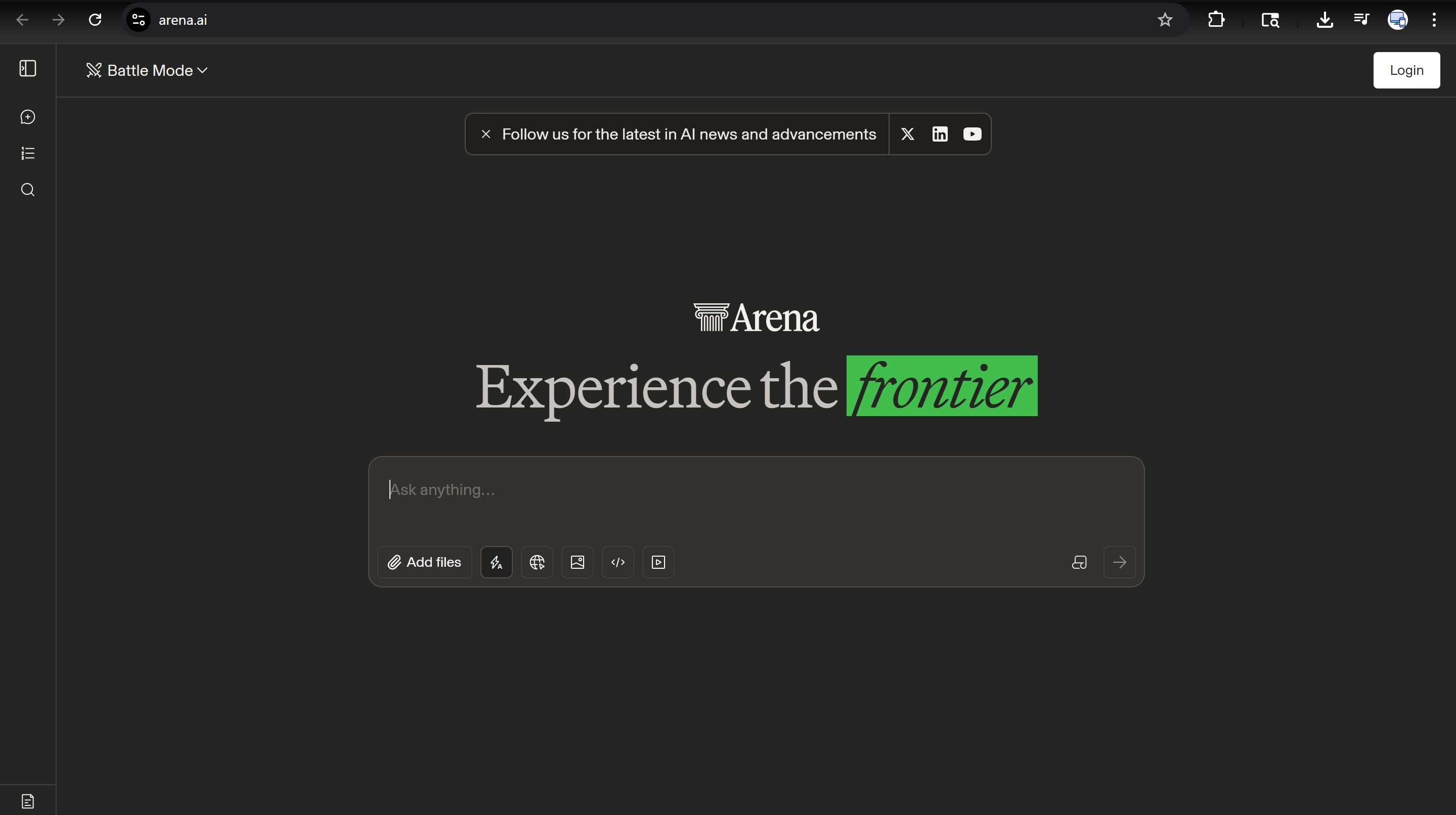
Arena AI Dashboard
Honest Limitations:
Videos are short clips, no audio natively, limited aspect ratio control.
2. Qwen AI
Best for:
Unlimited generations, built-in audio synchronization
Alibaba's Qwen provides a generous free tier with built-in audio generation. It's essentially unlimited for most users.
How to use it:
- 1.Visit qwen.ai and create a free account
- 2.Select Qwen 2.5 Max model
- 3.Click More → Video Generation
- 4.Choose aspect ratio and generate
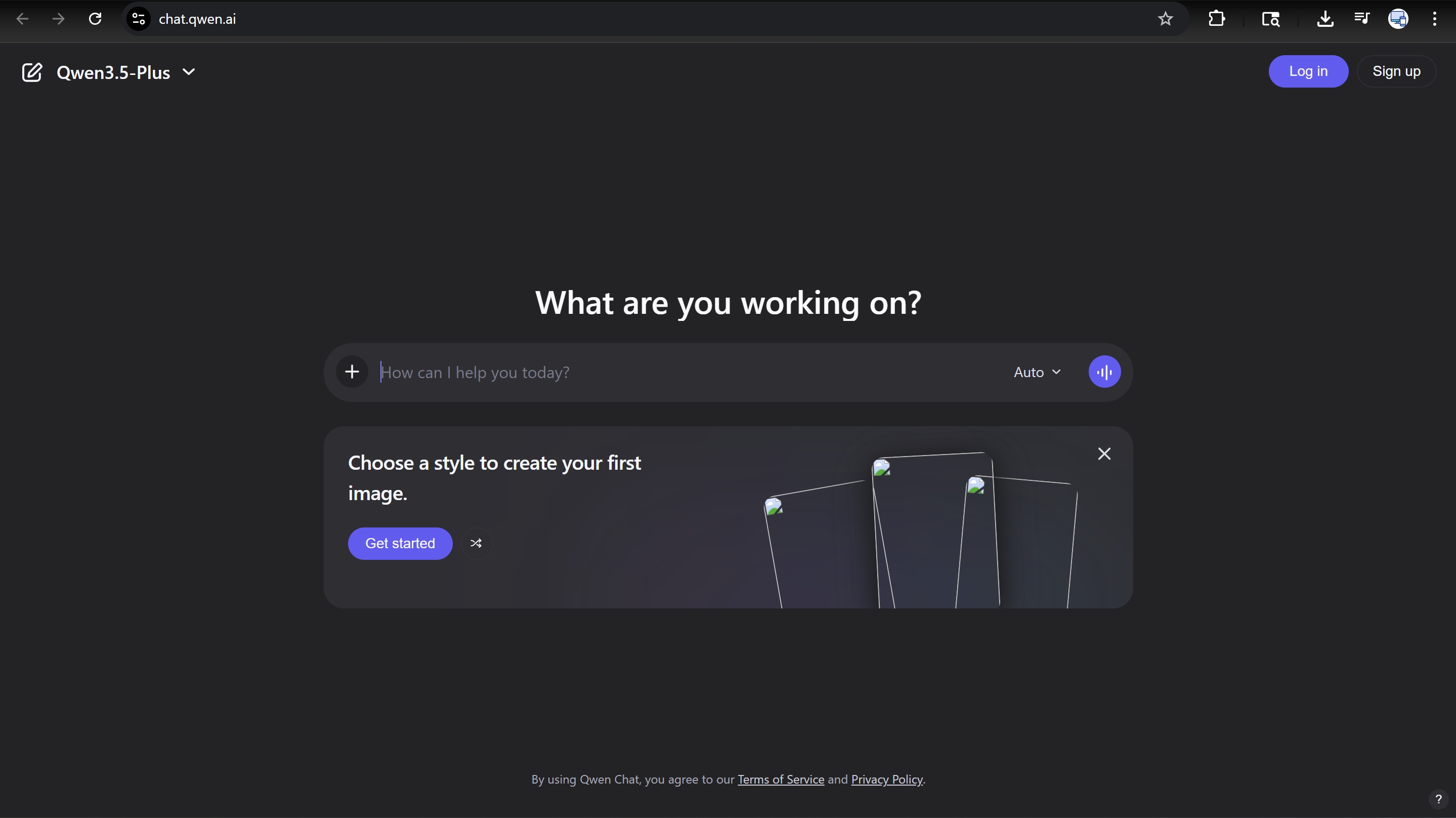
Qwen AI Dashboard
Honest Limitations:
Servers can be congested; generation can take 10-20 minutes during peak hours.
3. Wan AI
Best for:
Lip sync and character-driven videos
Wan stands out with exceptional lip-syncing. Running it locally via Pinokio browser gives you truly unlimited power.
How to use it:
- 1.Download Pinokio browser
- 2.Search for Wan AI and install locally
- 3.Run it on your own hardware
- 4.Zero credits or server limits
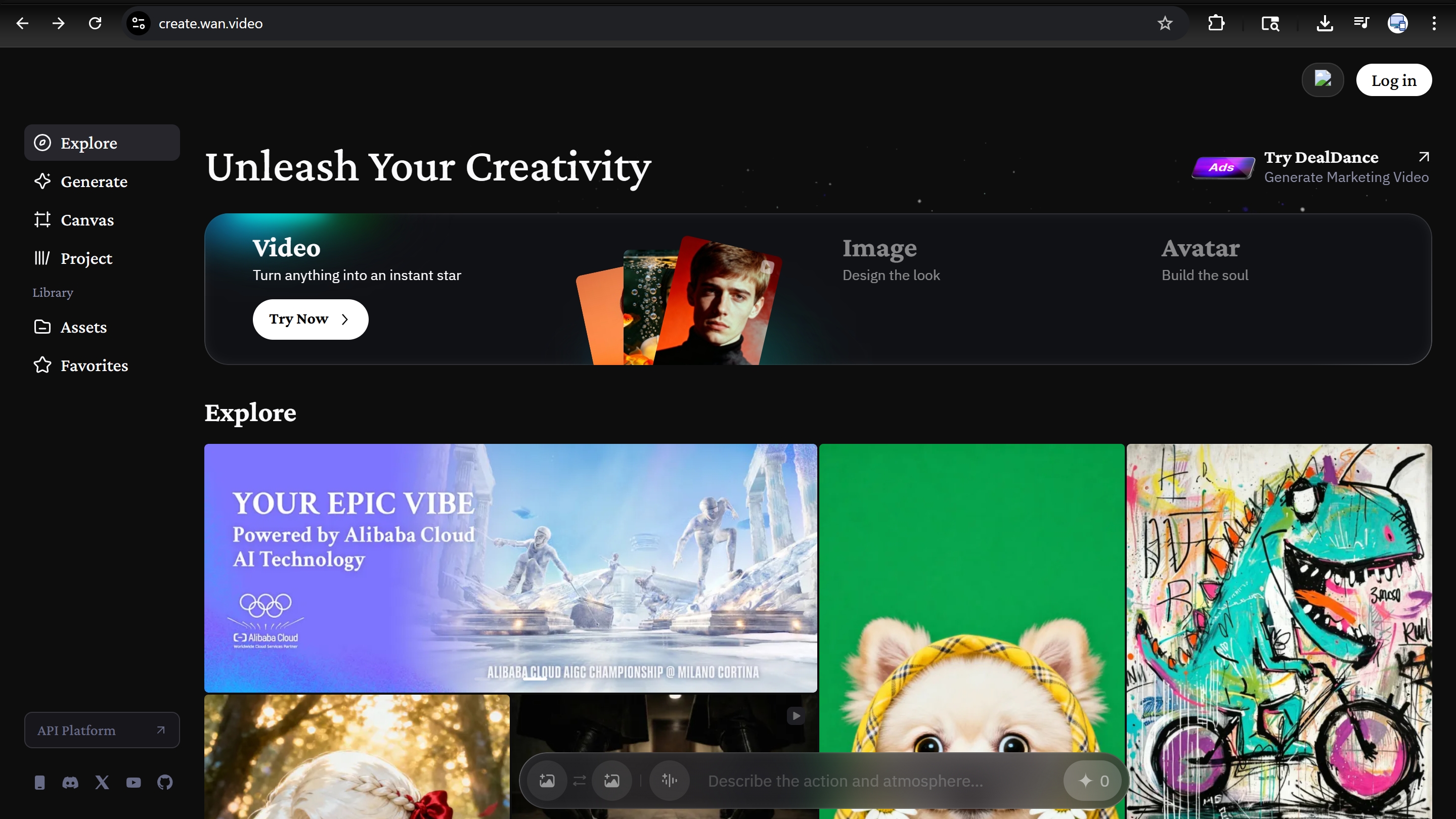
Wan AI Dashboard
Honest Limitations:
Local mode needs a strong GPU (RTX 3060+). Web version has a credit system.
4. Vheer
Best for:
Image-to-video, luxury niche B-roll
Vheer is a permanent free studio specializing in cinematic B-roll, particularly through its powerful image-to-video workflow.
How to use it:
- 1.Go to vheer.com (no account required)
- 2.Create a high-quality still image first
- 3.Upload image to Image-to-Video tool
- 4.Adjust camera motion and generate
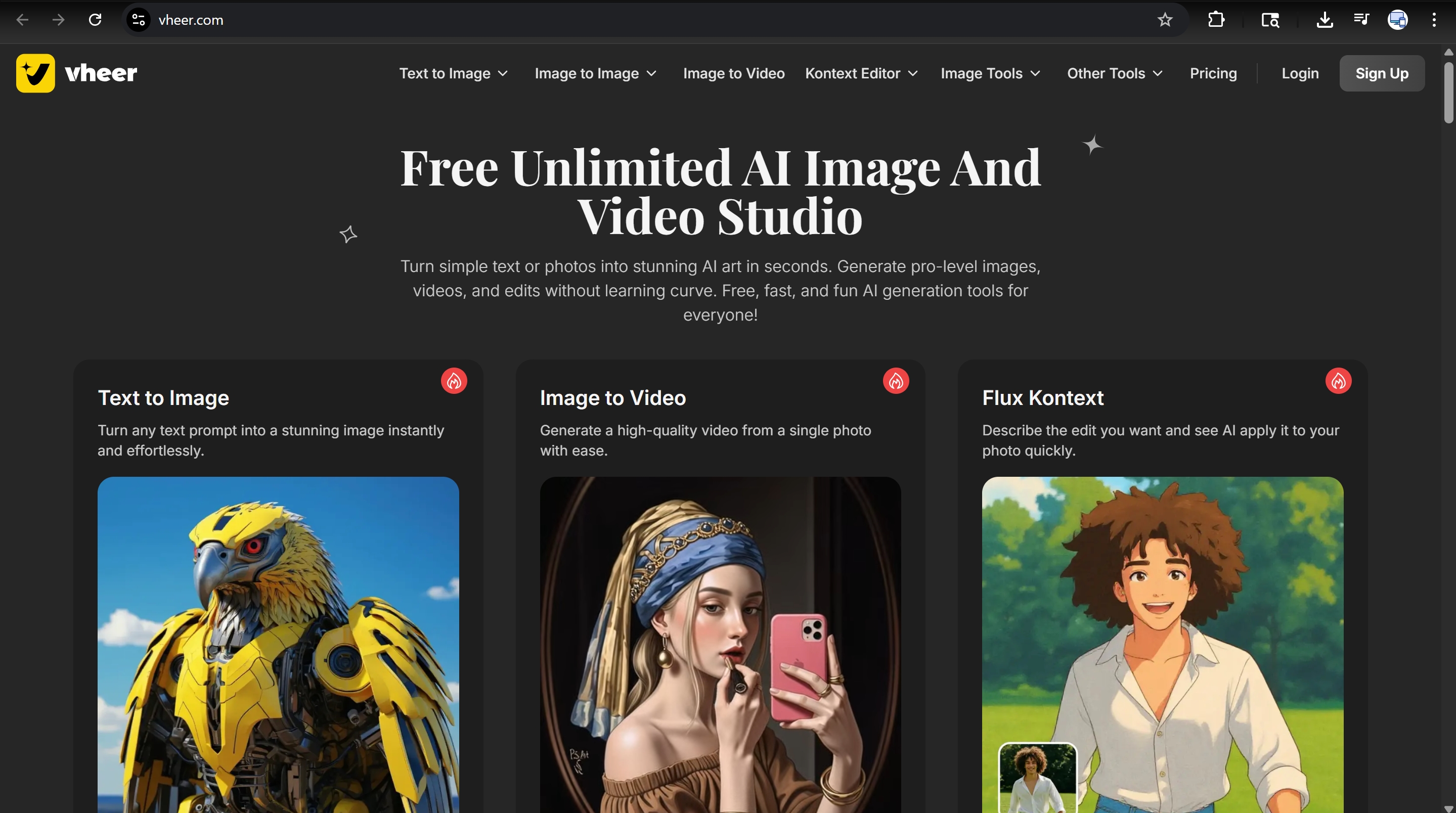
Vheer Dashboard
Honest Limitations:
The Free tier uses the 'Quality' model; Pro models require a subscription.
5. Digen AI
Best for:
Social media creators using templates
Perfect for beginners who don't want to start from scratch. Uses a community credit system to offer 300+ daily credits.
How to use it:
- 1.Sign up at digen.ai
- 2.Browse through viral video templates
- 3.Customize the prompt with your content
- 4.Participate in community to earn daily credits
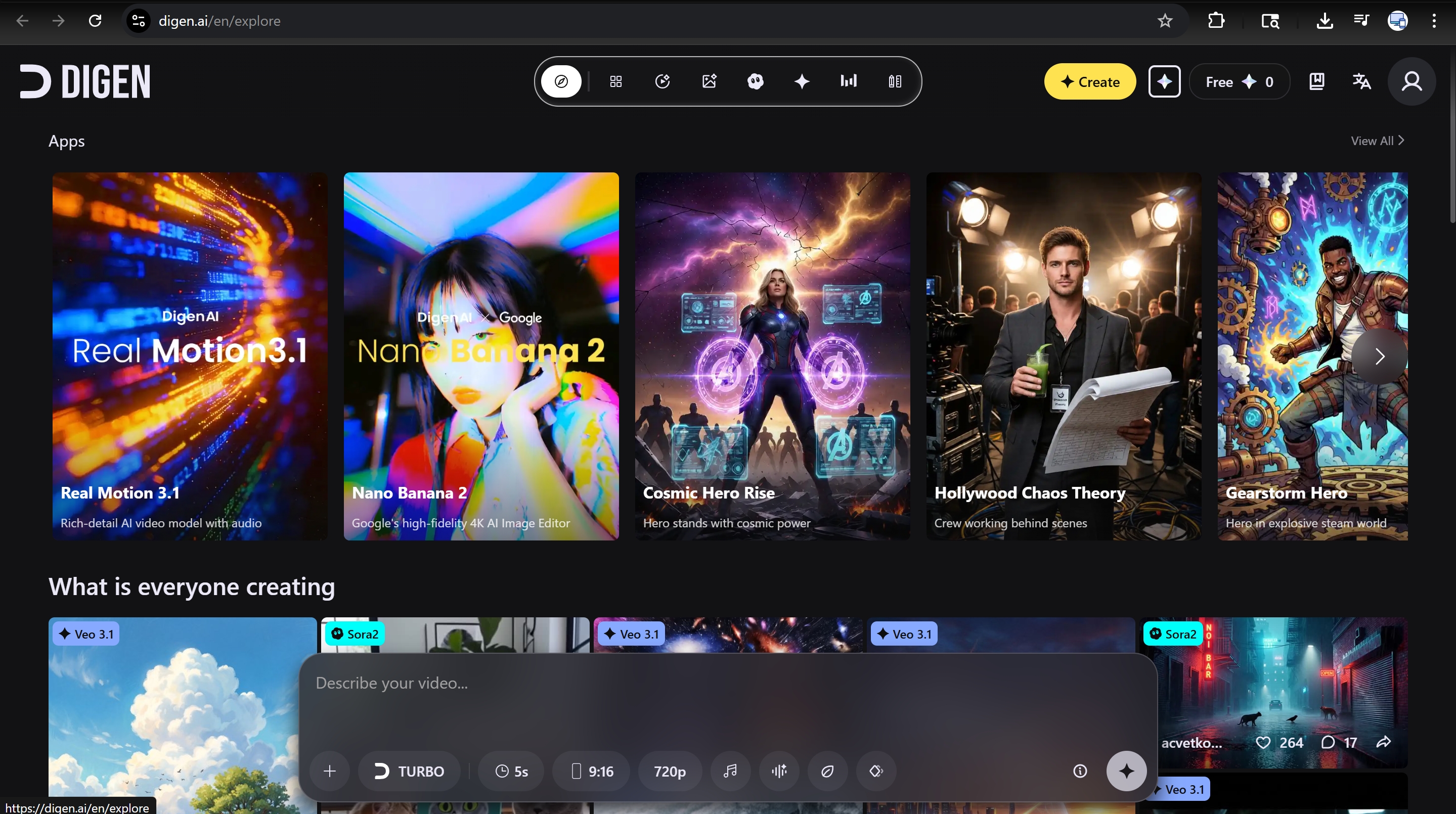
Digen AI Dashboard
Honest Limitations:
Template-based approach offers less freedom for custom experimental projects.
Which AI Video Tool Should You Use?
| Goal | Recommended Tool | Key Strength |
|---|---|---|
| Highest quality output | Arena AI | comparing top models side by side |
| Unlimited generations | Qwen AI | built-in audio synchronization |
| Lip sync and character-driven videos | Wan AI | Unlimited Generations |
| Image-to-video | Vheer | luxury niche B-roll |
| Social media creators using templates | Digen AI | Unlimited Generations |
The Workflow That Gets The Best Results
Across all these tools, one pattern consistently produces better output: generate your image first, then animate it. Giving the model a precise visual reference removes guesswork.
1. Capture Stills
Use Vheer to generate a high-quality still image
2. Animate
Feed that image into Wan AI or Arena for motion
3. Voice & Sound
Add audio using Qwen's built-in generator
4. Final Polish
Stabilize in CapCut (free, no watermark)
This pipeline produces results that rival paid platforms costing $100+/month.
Frequently Asked Questions
Final Thought
The barrier to professional video production has collapsed in 2026. These tools aren't compromises - they're legitimate alternatives to paid platforms. Start with Arena to understand quality, then use Qwen for audio support.
Check out our other guides: Learn about our Ultimate AI Tools Directory or explore the Full Agentic AI Guide.
Enjoyed this article?Leave a reaction
Tap multiple times to show love!
💬 Discussion